

Browse and read
A space’s page tree, and any page rendered, as Markdown, or in Confluence’s own storage format. Get started
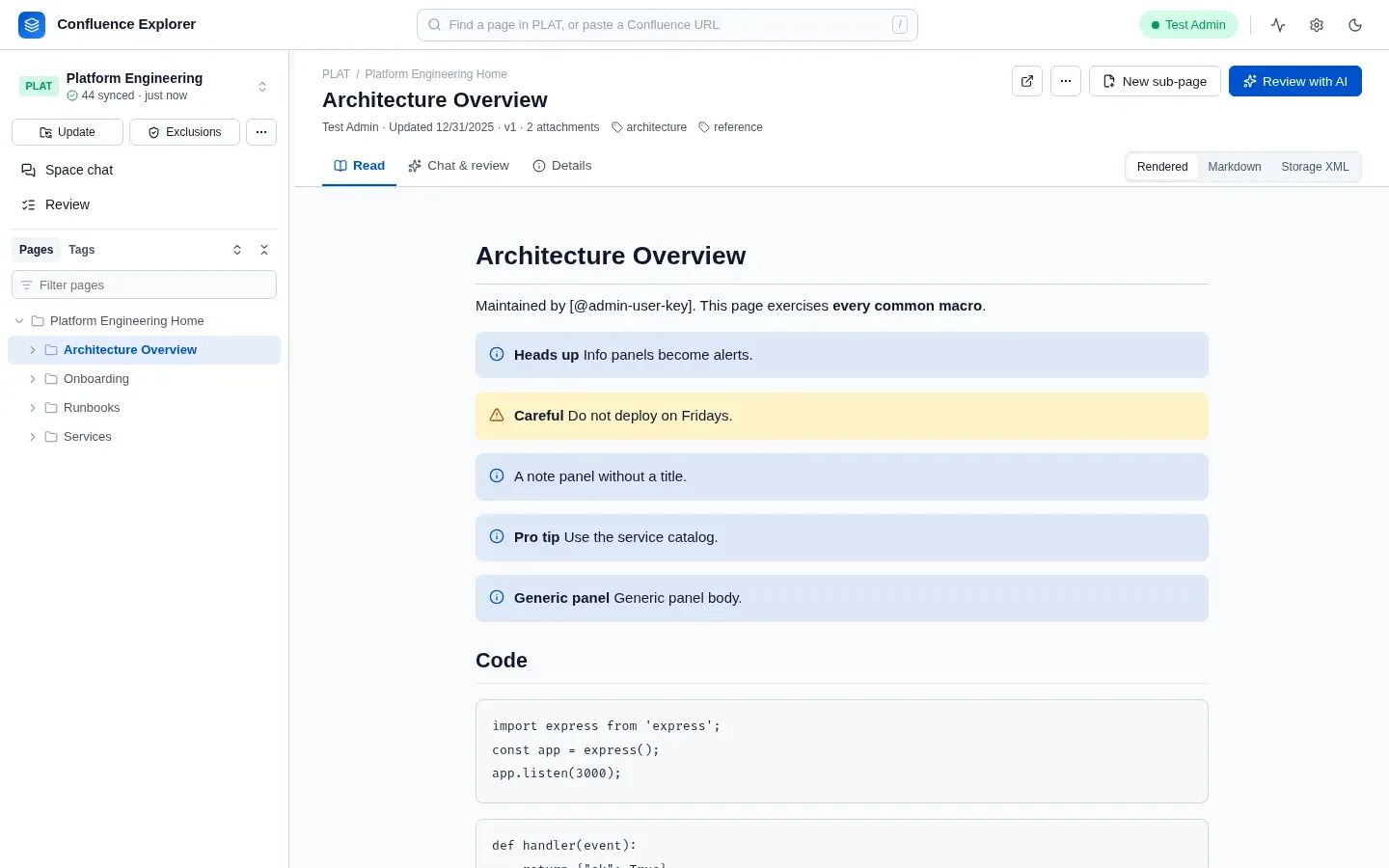
Confluence Explorer needs Node.js 22 or later and a Confluence Server or Data Center instance. Run it
with npx, then open the address it prints:
npx @simplysf/simply-confluence-explorerBrowse and read
A space’s page tree, and any page rendered, as Markdown, or in Confluence’s own storage format. Get started
A copy on disk
Sync a whole space as Markdown files with their attachments, with a table of contents and a ZIP export. Keeping a copy on disk
Ask an AI
Ask about a page, a page and everything under it, or a whole space, with Claude, ChatGPT or Gemini. Asking an AI
Keep data in
Excluded pages never leave your computer, and a leak guard stops secrets and replaces personal data. What leaves your computer
Change pages
Ask a chat for suggestions, tick the ones you want, review each edit, and push it without overwriting anyone. Changing pages from a chat
Write new pages
Check whether a page already covers the topic, then write it, or a series, with an AI that can read a GitLab repository. Writing a new page